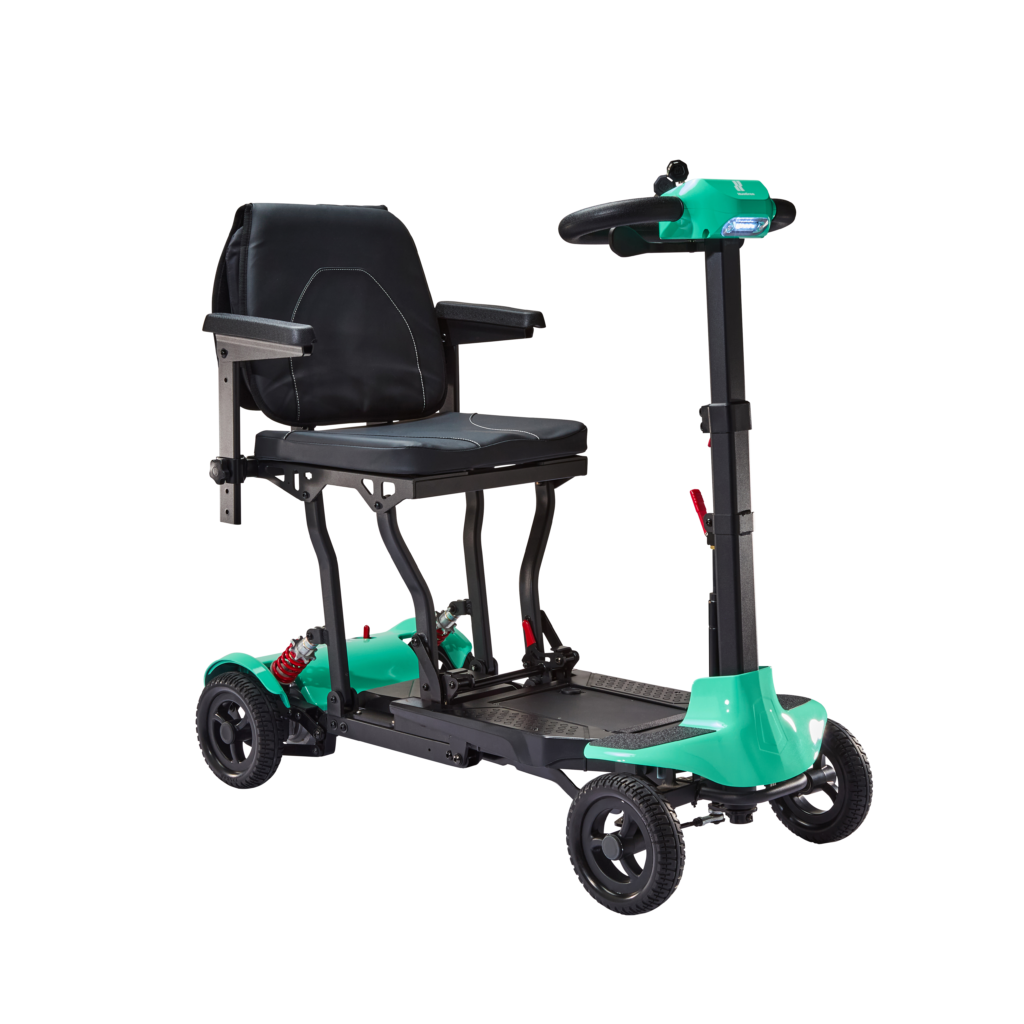
We’ve all been there: you’re in the middle of something important, and your battery dies. Annoying, isn’t it?
With a phone, you can borrow a charger. But with a mobility scooter, it’s not as simple.
That’s why we pulled together this handy guide to explain what to do when your Humfree mobility scooter runs out of battery, how to charge it properly, and how to prevent it from happening again – so the fun doesn’t have to stop.
Key takeaways:
- Keep your scooter charged regularly, and don’t let the battery levels get too low.
- Learn what your scooter’s battery lights and warning beeps mean so you can spot a low battery early and avoid getting stranded.
- If you need to store your scooter for a while, remove the battery and store it separately.
How to charge the scooter when it runs out of battery?
How you charge a mobility scooter can depend on the manufacturer. At Humfree, we have two straightforward charging options, so you can get back on the move more quickly.
Charging through the scooter
- Switch the scooter off.
- Open the charging port cover.
- Connect the approved charger.
- Check that the charger plug is clean, dry, and undamaged.
- Plug the charger into a standard electrical outlet.
- Allow the battery to charge fully.
- Disconnect the charger and replace the protective cover.
Charging the removable battery
- Grip the battery handle.
- Pull the battery upwards in a firm motion.
- Keep your back straight and bend your knees while lifting – you don’t want to accidentally hurt yourself.
- Connect the battery to the removable battery charger.
- Charge the battery until it’s fully charged.
- Disconnect the charger and put the battery back into the scooter.
What do the charger lights mean?
Our scooters’ charger lights show your battery’s charging status:
- Red: The battery is charging
- Green: Charging is complete
That’s all there is to it.
When do I need to charge my mobility scooter?
The easiest way to stop your battery from dying is to keep an eye on the battery level indicator.
Top tip: To avoid getting into a sticky situation, charge your scooter before the battery level indicator turns red.
What do the mobility scooter battery level lights mean?
We’ve kept it simple with a traffic light system:
- Green: 70–100% charge remaining – you’re ready to go.
- Yellow: 30–60% charge remaining – think about how much further you need to travel and recharge if you can.
- Red: Under 30% remaining – stop travelling and recharge now.
Will my mobility scooter tell me when it needs to be charged?
Yes. Your scooter is cleverer than you think and will tell you if it’s got a problem.
Our mobility scooters use an audible error-beeping system in which the number of beeps corresponds to a specific issue.
If your battery needs charging, it will beep once.
For more information on the beeps, see your individual Humfree scooter user guide.
What should I do when my mobility scooter battery is low?
Out and about and unable to charge your scooter? There are a few things you can do to minimise battery use, so you can get home safely:
- Travel below the scooter’s maximum speed (4mph for most of our scooters and 8mph on the road with the Class 3 Urban scooter) to maximise your ride time.
- Avoid driving if the red battery light is showing.
- Don’t ignore the beeping. Recharge your scooter whenever possible.
What causes a mobility scooter battery to run out?
We’ve covered how to charge your scooter and what happens when your battery is low – but what actually drains it? The biggest culprit is simply heavy use.
‘Heavy’ can mean different things to different people, but if you’re using your Humfree scooter all day, every day, you’re likely to need to charge it more regularly.
Other factors that can reduce battery life include:
- Frequent starts and stops.
- Climbing hills or riding on rough terrain.
- Extremely hot or cold temperatures.
- Long-term storage (if not done correctly).
How should I store my mobility scooter if I won’t be using it?
If you won’t be using your Humfree scooter for a while, there’s no need to worry.
There are a few things you can do to help protect your battery, so you can head off whenever you’re ready:
- Remove the battery if you won’t be using your scooter for more than one week.
- Remove and store the battery separately if you won’t be using your scooter for an extended period, e.g. two weeks or more.
- Keep the battery regularly charged, even if you don’t plan to use your scooter right away.
- If your scooter has been unused for more than 30 days, charge it for 12 hours before use.
- Make sure you store it in a dry environment at a suitable temperature.
What are the signs that your mobility scooter battery needs replacing?
If your scooter is running out of battery more often, it might be time to replace the battery.
These are common signs to look out for:
- Longer charge times.
- Sluggish performance.
- Reduced driving range.
- Losing charge quicker than usual.
Remember, never touch, or try to repair the battery yourself – get in touch with us if you think there’s a problem.
Need help with charging your mobility scooter?
Email our UK-based support team at customer.service@humfree.co.uk or call us on 0800 999 2101.
We’ll help get you moving again.
FAQ’s about Mobility scooter batteries
Let’s address some of the most common questions.